Short answer
How do I find out where a crypto transfer got stuck?
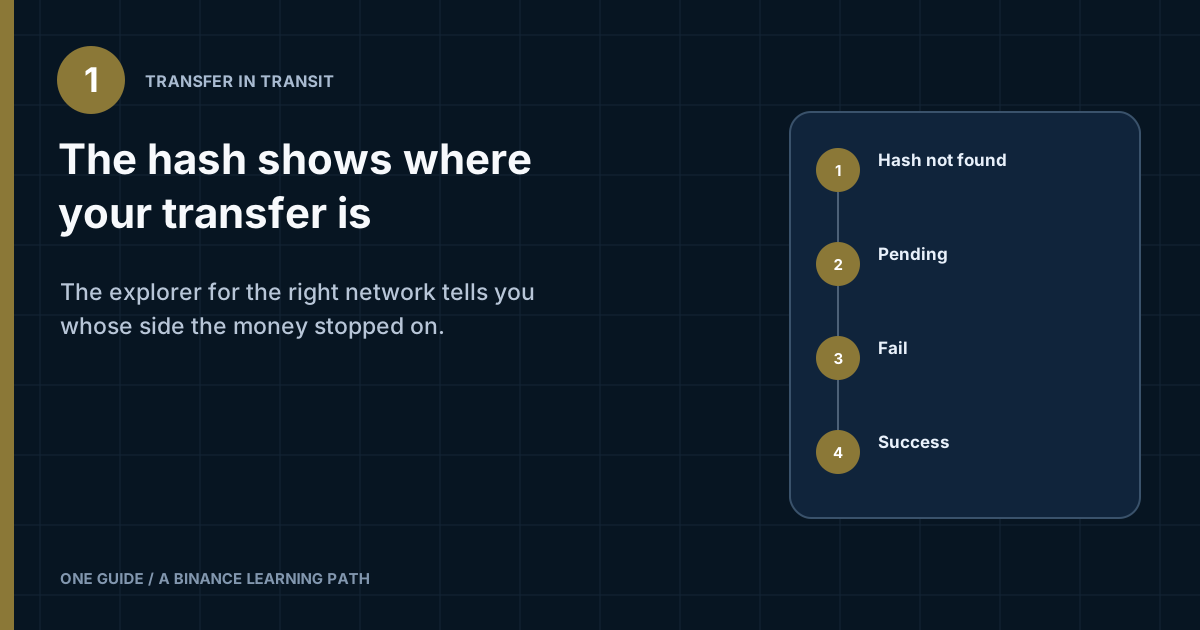
Take the TXID from the sender's transaction record and look it up on the explorer for the network the transfer used. No result means the transaction has not been broadcast yet, or you are searching on the wrong network. Pending means it is waiting to be included in a block. Fail means the transaction did not execute and the funds never reached the recipient. Success with the recipient's address means the network part is finished, and the question moves to whoever has to credit the funds. [1]
Where to find the TXID when all you have is a "sent" record
The TXID, also called the transaction hash or txhash, sits in the transaction details on the sender's side. In a wallet, look under history or activity; on an exchange, look in the withdrawal history. Expect a long string of digits and the letters a–f. On Ethereum-based networks it starts with 0x.
If you are the one receiving, ask the sender for the hash. An order number, a support ticket number or an exchange's internal record ID will not work: an explorer cannot find any of them. And if the record says the transfer was internal rather than showing a hash, there may be no blockchain transaction at all, so an explorer has nothing to show you.
Which block explorer to check the transaction on
Use the explorer for the network chosen when the transfer was sent, not the network the coin is best known for. The same token is issued on several networks. Tether, for example, lists Ethereum, Tron, BNB Smart Chain, Solana and TON among the networks for USDT, nine more besides, and asks services to state clearly which ones they support. A USDT transfer made on Tron will never show up on an Ethereum explorer, even though the money is perfectly fine. [4]
- Tap the TXID in the transaction recordMany wallets and exchanges turn the hash into a link to the matching explorer. That route skips the step where people pick the wrong network.
- No link? Find the network name in the same recordLook for a "Network" line or a token standard such as ERC20, TRC20 or BEP20.
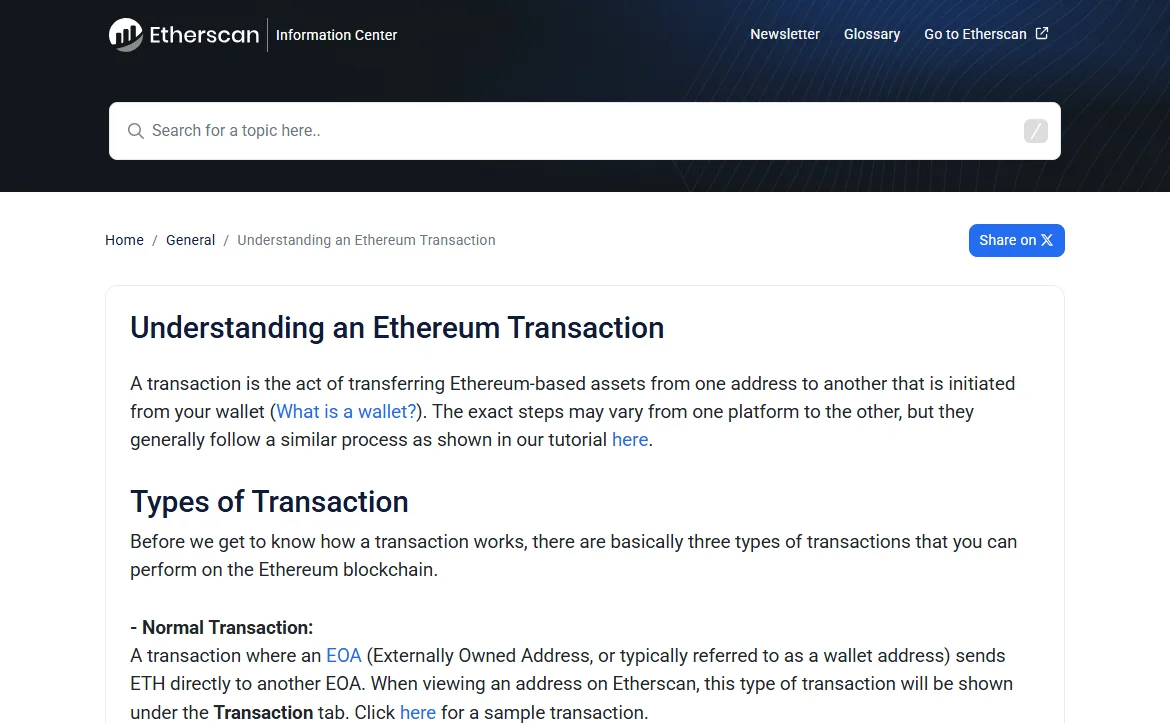
- Open that network's explorer and paste the hash into the search barFor Ethereum, Etherscan is one option; its help article tells you to paste the hash into the search box at the top of the page. For Bitcoin, mempool.space is one of several explorers. [2][3]
- Check the explorer's web addressOpen it from a bookmark or from the link in the record. A fake "explorer" that asks you to connect a wallet or type a seed phrase is phishing. Reading a transaction requires nothing from you.
Which fields on the transaction page matter to a beginner
Every explorer lays its pages out differently, yet the fields overlap a lot. Five of them cover what a beginner needs.
- StatusEtherscan shows Success, Fail or Pending; other networks may use other words. Start here. [2]
- Block and confirmationsA block number appears once the transaction has been included in one. Next to it you will often see the confirmation count, meaning how many blocks the network has added since.
- From and ToCompare "To" with the address the recipient gave you, character by character, not just the first and last few.
- Amount and assetFor a token transfer, the main amount may not be in the Value field but on a separate token-transfer line. Etherscan keeps token transfers apart from plain ETH transfers. [2]
- Time and feeThe timestamp is useful for a support request; the fee helps explain why a Bitcoin transaction is sitting and waiting for a block.
Some explorers have no separate field for a MEMO or Tag. If the recipient required one and you are unsure it was entered, go back to the sender's transaction record and look there. How a MEMO differs from the address is covered in the guide to addresses and MEMO/Tag.
Hash not found, Pending, Fail or Success: what to do with each
- Hash not found
First confirm that you opened the right network and copied the whole hash, with no trailing space. If the network is right and still nothing comes up, the transaction may never have reached the network: the sender did not broadcast it, or nodes did not accept it. On Bitcoin, when the mempool is full, nodes start rejecting transactions with a low fee rate. Either way, this goes back to the sender. [3]
- Pending or "unconfirmed"
The transaction has been broadcast but not yet included in a block. On Bitcoin, the usual reason for the delay is a fee rate below what the network is currently picking up. Sending the same money again does not speed up the first transfer. Wait, or sort it out with whoever sent it. [3][5]
- Fail
The network processed the transaction but it did not execute, so the amount never reached the recipient. The fee field on the same page shows what the attempt itself cost. Before trying again, the sender needs to find out why: through the withdrawal history and support if it came from an exchange, or from the error message if it came from their own wallet. [2]
- Success
Check the "To" address, the network and the amount. If they all match, the blockchain side of the transfer is done. Whether it gets credited now depends on the recipient: the number of confirmations they wait for, the MEMO/Tag, their minimum deposit, and whether they support this token on this network. Contact the receiving side's support and include the TXID. [1]
If a Success page shows a "To" address that differs from the one the recipient provided, the funds went to a different address, and no explorer can change that. Save the hash and tell the sending side straight away. For future transfers, copy the address fresh from the recipient's own source and check the whole string after pasting.
Why a transfer can have confirmations but still not be credited
Each recipient decides for itself how many confirmations are enough. Binance's help page states plainly that the required number depends on the wallet or exchange. So three confirmations on the explorer do not yet mean your balance should have changed. [1]
On Bitcoin a new block arrives every 10 minutes on average, but only on average; the next one can come much sooner or much later. In Bitcoin.org's table, one confirmation is "somewhat reliable" and six are the "minimum recommendation for high-value bitcoin transfers". [5] Other networks produce blocks faster, and recipients set different thresholds for them. To find the exact number for your case, look at the recipient's deposit page; it is usually shown next to the network selector.
Example: finding the TXID for a Binance withdrawal and knowing when to contact support
For a withdrawal from Binance, the hash appears in the withdrawal history, on that specific record. As of the check date, Binance's help page says the TXID should appear within 1–30 minutes, and that once it shows, the withdrawal has been broadcast to the network. If there is still no hash after 6 hours, the page advises contacting Binance support with the details from your withdrawal history. [1]
The same page covers the opposite case: if the explorer shows the transaction as confirmed, the funds have been sent and Binance cannot help further, so you need to contact the owner or support of the destination address. Before writing to anyone, work out whose side the transfer is on: no hash means the sender, Success means the recipient. If the withdrawal will not go through at all, or sits in Processing, see the separate guide to withdrawals that fail. [1]
Someone who messages you first after you complain in a chat, then asks for an "unlock fee", wants you to connect your wallet to a website or asks for your seed phrase, will not make the transfer move faster. Reading a transaction costs nothing and needs neither wallet access nor codes. Open support only from the app or official website of the party your question concerns.
When to stop checking yourself and contact support
An explorer answers a single question: what happened on the network. It knows nothing about how an exchange keeps its internal books. Contact whichever side the transfer is on if:
- no hash has appeared, and the timeframe the sender itself gives has already passed;
- the status is Fail and you cannot tell whether the amount came back;
- the status is Success, the address and network match, the confirmations exceed the number shown on the deposit page, and the balance has not changed;
- you have found that the transfer went out on a network, or with a MEMO, that the recipient does not accept.
Your request only needs the TXID, network, asset, amount, time sent and recipient address. Nobody handling it ever needs your password, 2FA codes or seed phrase. If your first transfer to a new address is still ahead of you, size a test amount first with the test transfer planner.
Common questions about checking a TXID
Can a TXID be used to cancel or reverse a transfer?
No. A TXID only lets you read the transaction. Nothing on an explorer can undo a confirmed blockchain transfer; getting the funds back depends entirely on whoever controls the receiving address.
Is it safe to share a TXID with the recipient or with support?
A TXID is a public record. Nobody can sign in to your account or sign a new transaction with it. Give it to the party that has to credit the transfer, through their official channel, but avoid posting it on a public forum next to your name, phone number and amounts.
Which block explorer should I use?
One that covers the network the transfer used. The easiest route is the TXID link in the sender's transaction history, because it opens the explorer for the network the funds actually went through. Multi-chain search sites also work, as long as you check the network name on the result page.
The explorer says Success, but the receiving exchange says nothing arrived. Who is right?
Possibly both. Success means the transaction executed on the network. Crediting it to an exchange balance is a separate step on the exchange's side: it may wait for its own number of confirmations, require a MEMO/Tag, or not accept that token on that network. From there, the receiving side's support has to look into it.
Primary sources
All pages were opened and compared on 5 October 2026. On that date the Binance help page carried an update date of 2026-08-13. Services change their timeframes and confirmation requirements, so check them with your own sender and recipient.
- Binance: why a withdrawal has not arrived — TXID, confirmations and the recipient's side
- Etherscan Information Center: Understanding an Ethereum Transaction
- mempool.space: FAQ on unconfirmed transactions and a full mempool
- Tether: networks on which USDT is issued
- Bitcoin.org: what you need to know about confirmations